AI Background Changer & Backdrop Replacement
Transform plain photos into studio-quality portraits. Swap out boring backdrops for solid color gradients, urban landscapes, natural sceneries, or your own custom background pictures with natural light blending.


How to Swap Image Backgrounds
Select Image
Upload any portrait, product, or fashion shot from your device gallery.
Pick New Backdrop
Choose from solid studio presets, aesthetic gradients, or upload custom imagery.
Instant Blend & Save
RemexaAI aligns subject shadows and edge lighting for a realistic final image.
Studio-Grade Backdrop Replacement Technology
Combine neural boundary segmentation with ambient color harmonization to transport your subject into any environment.
🎨 Solid Colors & Studio Gradients
Ideal for professional LinkedIn headshots, resume portraits, and e-commerce product catalogs. Select pure Amazon white (#FFFFFF), modern studio slate gray, or gentle pastel palettes.
- One-click studio solid color fills
- Subtle radial and linear gradient lighting
- Guaranteed marketplace compliance
🏙️ Architectural & Nature Sceneries
Transport portraits into modern executive offices, sunny European streets, cozy interior lofts, or golden hour beaches without leaving your room.
- Curated HD royalty-free library
- Realistic perspective alignment
- Depth-of-field blur customization
💡 Intelligent Edge Lighting & Shadow Match
Our neural color harmonization engine reads the light source and warmth of the new background, gently reflecting ambient light onto subject contours to eliminate fake cutouts.
- Natural subject color cast balancing
- Realistic ground shadow generation
- Anti-fringing boundary feathering
📤 Custom Backdrop Image Upload
Upload any high-resolution photo from your camera roll. Place friends, family, or commercial products into custom environments, branding backdrops, or exotic destinations.
- Supports 4K custom background uploads
- Scale and reposition subjects freely
- Maintains crisp foreground sharpness
📷 Adjustable Bokeh & Depth Blur
Simulate expensive f/1.4 prime portrait lenses by controlling the amount of background blur, drawing immediate visual focus to the subject while softening background distractions.
- Creamy bokeh depth-of-field simulation
- Adjustable slider for blur intensity
- Preserves natural edge sharpness
⚡ Lossless HD Output & Sharing
Save composite portraits and staged product photos at native camera resolution with zero watermark overlays, ready for social sharing, print, or commercial distribution.
- No lossy compression degradation
- Instant direct mobile sharing
- Clean commercial-use license
RemexaAI vs Physical Studio & Desktop Compositing
Save hundreds of dollars on studio rentals, green screens, and complex Photoshop compositing.
| Backdrop Solution | RemexaAI Background Changer | Physical Photo Studio | Green Screen & Desktop Editing |
|---|---|---|---|
| Setup Cost | ✓ Free / Affordable Mobile App | ✕ $150 - $400 / Session | ✕ $100+ Studio Gear + Softwares |
| Turnaround Time | ✓ Instant (5 Seconds) | ✕ 3 to 7 Days Delivery | ✕ 30 to 60 Minutes per Photo |
| Scene Variety | ✓ Infinite (Presets + Custom Uploads) | ✕ Limited to Studio Paper Rolls | ✓ High (Manual Search) |
| Lighting Blending | ✓ Automatic Neural Light Balancing | ✓ Manual Strobe Setup | ✕ Green Color Spill onto Hair |
| Convenience | ✓ Edit Anywhere on Mobile | ✕ Appointment Required | ✕ Desktop Studio Only |
Backdrop Swapping Solutions for Every Need
Transform ordinary snapshots into captivating imagery tailored for business, retail, and social media.
💼 Corporate & LinkedIn Headshots
Replace living room walls or distracting backgrounds with executive studio backdrops, dark gray gradients, or modern glass corporate offices for a credible executive presence.
🛍️ E-Commerce Product Staging
Place skincare bottles, sneakers, jewelry, or electronics against marble countertops, minimalist wood tables, or pristine white backdrops to elevate product perceived value.
✈️ Creative Travel & Fantasy Composites
Place yourself in front of iconic landmarks, tropical shorelines, neon city streets, or snowy alpine mountains with convincing realism and natural light adaptation.
🎙️ YouTube Thumbnails & Podcast Covers
Create punchy, high-contrast YouTube thumbnails by swapping ordinary bedroom backgrounds with vibrant themed gradient patterns that capture attention and clicks.
How to Achieve Seamless Backdrop Realism
Quick rules of thumb for shooting photos that look 100% natural when swapped.
Match Eye-Level Perspective
Pick a background captured from the same camera height and angle as your subject (e.g. straight-on portrait with a straight-on office background).
Coordinate Light Direction
If your portrait is illuminated from the right side, choose a backdrop scene where the primary natural or artificial light comes from the right.
Add a Touch of Blur
Applying a gentle depth-of-field blur to your new background makes your sharp foreground subject pop with authentic professional camera separation.
Explore RemexaAI Studio Suite
🎯 AI Background Remover
Transparent PNG cutouts for products and design projects.
✈️ Biometric Passport Photo Maker
Format compliant passport and visa photos at home.
🪄 AI Magic Eraser & Object Removal
Erase watermarks, photobombers, text, and clutter seamlessly.
🎨 Vintage B&W Photo Colorizer
Restore natural colors to black & white family photos.
✨ AI Face Enhancer
Unblur portrait details and upscale resolution to crystal HD.
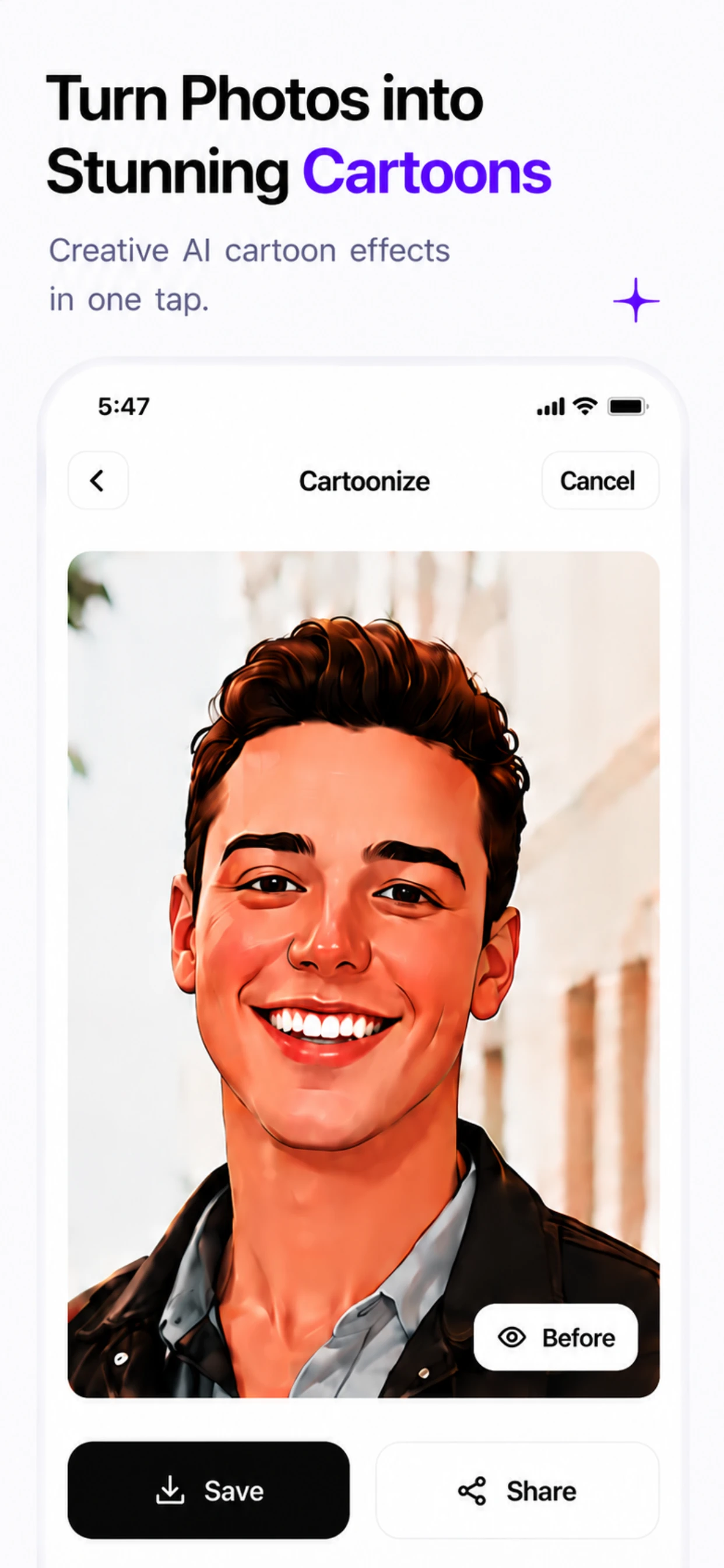
🤖 Cartoonize & Avatar Maker
Transform selfies into 3D digital cartoons and avatars.
Swap Photo Backgrounds in 1 Tap
Download RemexaAI for iOS and Android today.
Background Changer FAQ
How do I swap photo backdrops with solid studio colors or custom images?
Simply upload your photo into RemexaAI. The AI automatically isolates the subject and allows you to select from solid studio color presets, aesthetic nature sceneries, or your own uploaded backdrop photos.
Does the background changer automatically match subject lighting and edge shadows?
Yes! RemexaAI adjusts edge contrast and subject ambient lighting to match the newly selected background scene for a natural, un-edited look.
Can I upload my own custom background pictures to place subjects anywhere?
Yes, you can upload any custom photo from your phone gallery to place yourself or your products into any location worldwide.
What preset backgrounds are available in RemexaAI?
We offer solid color studio presetting (white, black, gray, pastels), professional office interiors, urban cityscapes, beach sunsets, and aesthetic nature landscapes.
Is the background changer suitable for professional LinkedIn headshots?
Absolutely. You can replace cluttered home or casual backgrounds with solid neutral studio colors to create clean, professional LinkedIn and corporate headshots.
How does RemexaAI blend the subject with the new background without looking fake?
Our neural color harmonization engine analyzes ambient light direction, color temperature, and edge softness from the new backdrop to adjust foreground tones and eliminate cut-and-paste halos.
Can I use solid white or gray backgrounds for e-commerce and catalog photography?
Yes! We provide preset studio backdrop colors including pure marketplace white (#FFFFFF), neutral charcoal, and warm pastel gradients tailored for product listings.
Can I blur the new background to create a DSLR depth-of-field bokeh effect?
Yes. RemexaAI allows you to apply realistic depth-of-field blur to any chosen background scene, giving your smartphone portraits an authentic prime camera lens aesthetic.
What resolution will my photo be after changing the background?
RemexaAI preserves full original image dimensions up to 4K Ultra HD resolution, ensuring maximum sharpness when printed or displayed on high-density screens.