AI Photo Colorizer: Restore Black & White Pictures
Bring old family history back to life. RemexaAI uses deep neural networks to accurately predict skin tones, environmental warmth, clothing shades, and sky colors in historical monochrome photographs.


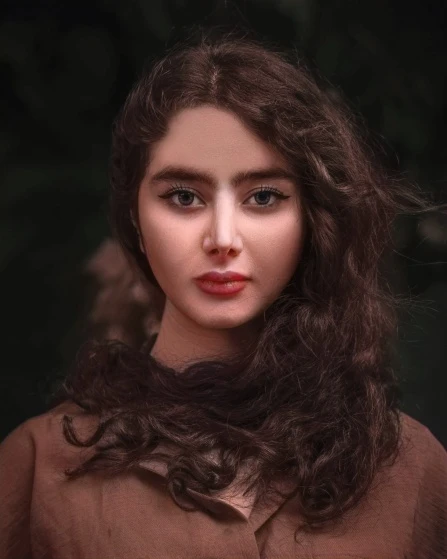
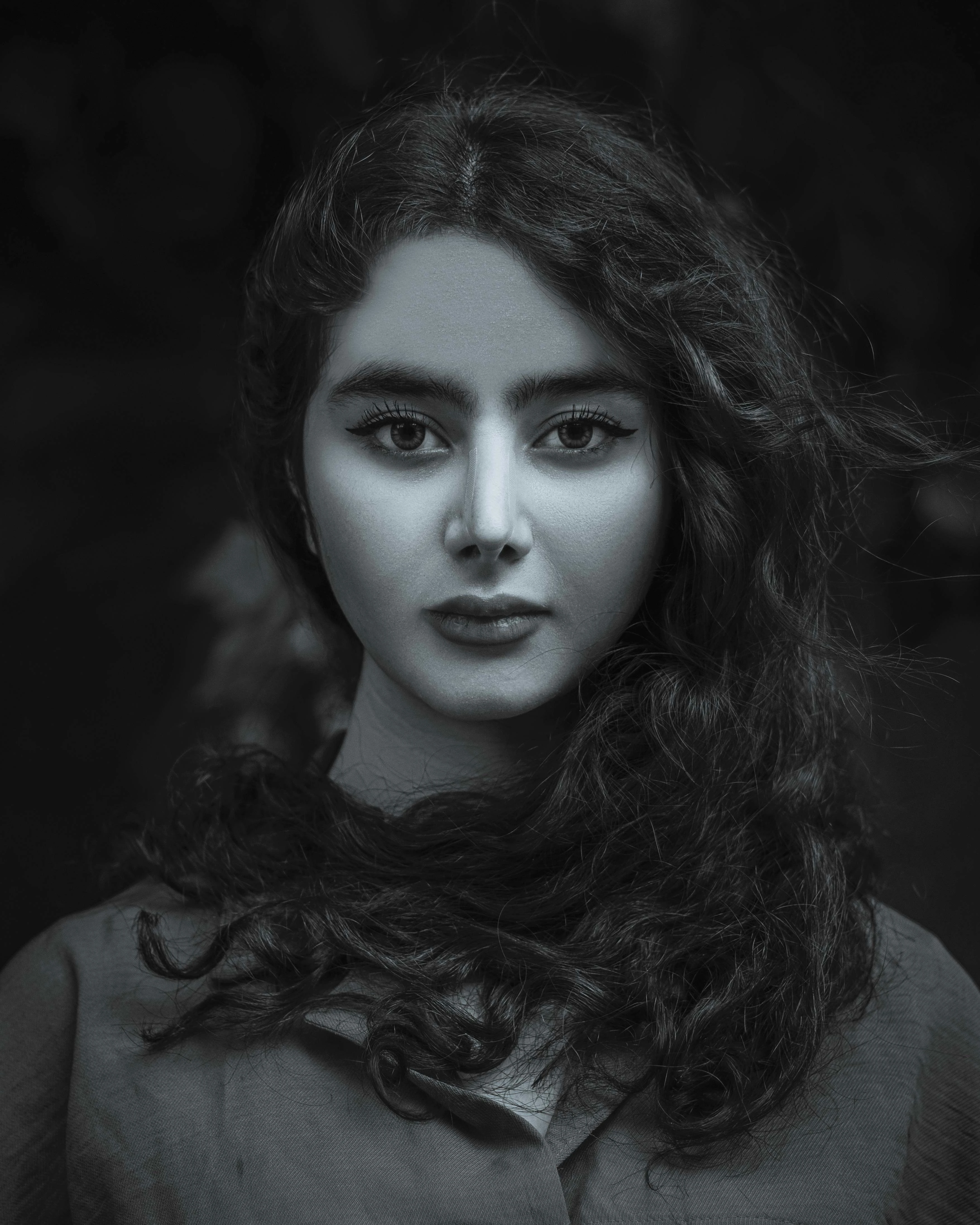
How to Colorize Black and White Photos
Scan or Upload B&W Photo
Upload any vintage black and white or sepia photograph from your camera roll.
AI Color Prediction
RemexaAI neural models analyze historical context, skin tones, and clothing textures.
Download Restored Photo
Save high-resolution vibrant color photos ready for family archives and printing.
Deep Neural Chrominance Reconstruction
Trained on millions of historical archives to accurately predict genuine period-accurate colors for skin, textiles, and nature.
👶 Lifelike Human Complexion Tones
Accurately restores authentic skin warmth, rosy cheeks, natural lip colors, and hair undertones without blotchy yellow or oversaturated reddish artifacts.
- Multi-ethnic skin tone calibration
- Restores natural eye color vitality
- Eliminates sickly monochromatic grayness
🌲 Environment, Foliage & Sky Warmth
Recognizes contextual environmental elements — accurately tinting grass, oak trees, brick masonry, wooden fences, and azure sky hues realistically.
- Dynamic atmospheric light rendering
- Realistic golden hour sunlight warmth
- Water and ocean surface color grading
📜 Preserves Vintage Grain & Character
Colorizes without destroying the organic film grain, silver halide emulsion texture, or historical emotional character of antique photographs.
- Zero plastic oversmoothing
- Maintains original print contrast
- Non-destructive original file preservation
☕ Sepia & Yellowing Correction
Automatically neutralizes oxidized yellowing, age stains, and sepia color cast before applying a balanced, natural full-color spectrum.
- Removes decades of paper yellowing
- Normalizes dynamic black-white range
- Works on faded 19th-century prints
👔 Period-Appropriate Fabric & Uniforms
Trained on historic civilian fashion and military uniforms to apply contextually accurate dyes to suits, dresses, vintage cars, and flags.
- Accurate military olive, khaki & navy tones
- Distinguishes wool, denim, and cotton textures
- Authentic vintage vehicle paint shades
⚡ 1-Tap Fully Automated Processing
What once required 5 to 10 hours of painstaking brush layer masking by professional restorers now happens in less than 5 seconds.
- Zero Photoshop knowledge needed
- Export ready for printing & framing
- Batch process whole family photo albums
RemexaAI vs Manual Hand Coloring vs Basic Tint Filters
Discover why neural colorization delivers vastly superior authenticity and convenience.
| Colorization Method | RemexaAI Neural Colorizer | Manual Photoshop Hand Coloring | Generic Monochromatic Tint Filters |
|---|---|---|---|
| Color Accuracy | ✓ Deep Semantic Object Recognition | ✓ High (Human Artistic Choice) | ✕ Single Color Wash Across All Pixels |
| Time per Photograph | ✓ Under 5 Seconds | ✕ 3 to 10 Hours of Masking | ✓ Instant (Unusable Quality) |
| Cost per Image | ✓ Free / Included in App | ✕ $50 to $150 per Restored Photo | ✓ Free |
| Skin Tone Realism | ✓ Multi-Layered Natural Complexion | ✓ Depends on Retoucher Skill | ✕ Flat Artificial Yellow / Pink |
| Ease of Use | ✓ 1-Tap Mobile Upload | ✕ Advanced Pen Tablet & Layer Skills | ✓ Simple Preset Button |
Bringing Historic Memories Back to Life
Experience the profound emotional impact of seeing ancestors and historic events in full color.
🌳 Family Genealogists & Heirloom Albums
Surprise parents and grandparents by turning faded black and white albums into vivid, living history books for family reunions and anniversary gifts.
🎖️ Historical Archives & Veteran Tributes
Honor military veterans and ancestors by colorizing WWII, Korean War, and Vietnam era portraits with period-accurate uniform and ribbon coloration.
💍 Vintage Wedding & Anniversary Gifts
Restore the wedding portrait of your grandparents or parents from 50 years ago, turning black and white vows into emotional golden anniversary tributes.
🏛️ Architectural & Antique Documentation
Colorize historical downtown streets, classic antique automobiles, and vintage architectural prints for museum exhibitions and local heritage publications.
How to Prepare Old Photos for Maximum Color Vibrancy
Ensure authentic color restoration by following these simple digitization guidelines.
Scan, Don't Screenshot
Use a flatbed photo scanner or mobile document scanner app rather than taking a crooked photo of a photo under reflective ceiling lights.
Enhance Faces First
If the original print is blurry or small, run RemexaAI Face Enhancer first to define eye and facial contours before applying color.
Preserve Natural Contrast
Avoid excessive brightness boosting before colorizing. Natural dark shadows help the neural network predict accurate clothing depths.
Explore RemexaAI Studio Suite
✨ AI Face Enhancer & Upscaler
Unblur vintage portrait details and sharpen facial clarity in HD.
🎯 AI Background Remover
Transparent PNG cutouts for products and e-commerce listings.
✏️ AI Pencil Sketch Generator
Convert photos into graphite drawings and fine charcoal line art.
🤖 Cartoonize & 3D Avatar Maker
Transform selfies into 3D digital cartoons and avatars.
✈️ Biometric Passport Photo Maker
Format compliant visa and passport photos at home.
🪄 AI Magic Eraser & Object Removal
Erase watermarks, photobombers, text, and clutter seamlessly.
Colorize Your Vintage Memories Free
Download RemexaAI for iOS and Android today.
Photo Colorizer FAQ
How does AI Colorize Photo restore vintage black and white family pictures?
RemexaAI uses deep neural networks trained on historical photography data to analyze monochrome light values and automatically apply natural skin tones, hair shades, clothing warmth, and environmental colors.
How accurate are the AI predicted skin tones, clothing colors, and backgrounds?
Our colorization model accurately identifies human facial complexions, foliage greenness, sky blues, and textile textures for authentic, lifelike color restoration.
Does colorizing an old photograph destroy or alter the original black and white image?
No. The original black and white photo remains untouched. RemexaAI outputs a new high-resolution colorized version for you to save or share.
Can I colorize sepia or faded monochromatic photographs?
Yes! The tool works on black-and-white, sepia-toned, and yellowed vintage photographs from old photo albums.
Is the vintage photo colorization process fully automatic?
Yes, colorization happens automatically in 1 tap without requiring manual brushes or Photoshop color balance adjustments.
How does the AI determine what colors original vintage clothes and objects were?
The neural network was trained on millions of real-world color photographs and historical archives, learning semantic correlations between gray shade luminance, fabric weave patterns, and era-typical pigments.
Can I colorize scanned newspaper clippings, historical documents, and street photos?
Yes. RemexaAI colorizes antique street scenes, vintage military portraits, historical architecture, and scanned newspaper press photos with rich natural realism.
What is the best way to scan old photographs for colorization?
Scan prints at a minimum of 300 to 600 DPI in 24-bit color or high-density grayscale. Clean off surface dust before scanning to capture maximum photographic texture.
Can I combine Colorize Photo with Face Enhancer to fix old blurry memories?
Yes! We recommend running RemexaAI Face Enhancer first to unblur facial features and eyelashes, followed by Colorize Photo to add vibrant, lifelike warmth.