AI Face Enhancer & Portrait HD Resolution Upscaler
Fix out-of-focus portraits, unblur face details, sharpen eye clarity, and upscale low-resolution photos into high-definition quality with RemexaAI state-of-the-art neural restoration.


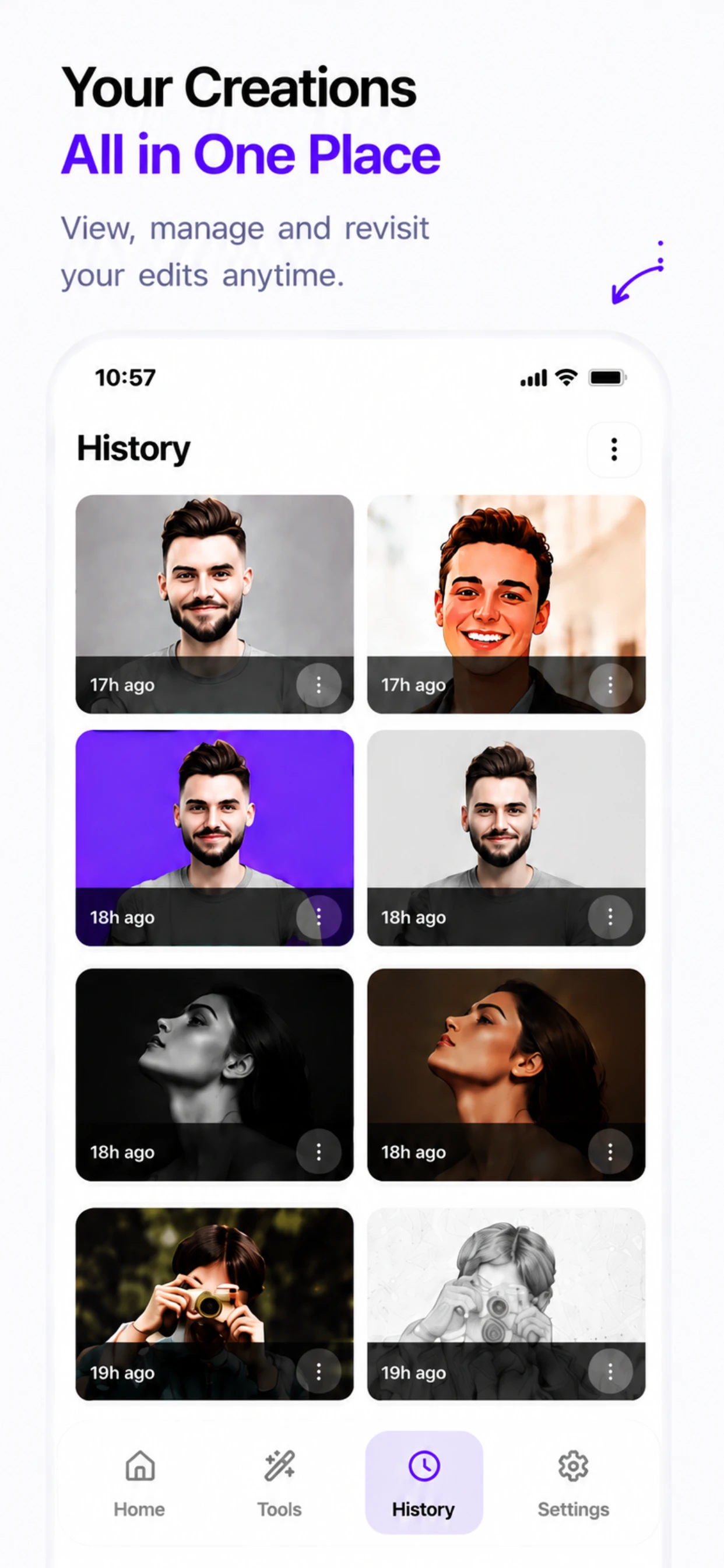
How to Unblur & Enhance Face Details
Upload Blurry Photo
Select any low-res, out-of-focus, or vintage portrait picture from your gallery.
Neural AI Enhancement
RemexaAI reconstructs facial features, sharpens eyes, and smooths skin textures.
Save HD Result
Export your crystal-clear HD portrait upscaled to high resolution in 1 tap.
State-of-the-Art Facial Super-Resolution
Powered by CodeFormer transformer-based codebook priors to recover authentic facial geometry, eyelashes, and skin micro-textures.
🔍 Camera Shake & Blur Elimination
Correct accidental handheld camera jitter, walking motion blur, and out-of-focus soft lenses. Reconstruct razor-sharp facial borders and crisp jawlines in seconds.
- Eliminates handheld camera shake
- Restores out-of-focus lens softness
- Sharpens subtle lip & eyelid contours
👁️ Iris, Lash & Eyebrow Reconstruction
Instead of merely sharpening muddy pixels, our neural network synthesizes high-fidelity iris striations, lifelike individual eyelashes, and natural eyebrow definition.
- Deep realistic eye pupil reflections
- Fine eyebrow strand delineation
- Eliminates red-eye and digital flash glare
📈 400% AI Resolution Upscaler
Upscale low-resolution mobile screenshots, ancient 240p webcam stills, and compressed images up to crystal-clear 4K Ultra HD without pixelation.
- Zero jagged stepping artifacts
- Intelligent edge super-resolution
- Print-ready 300 DPI output
🧹 Compression Artifact & Noise Cleanup
Remove heavy blocky JPEG macro-blocks, WhatsApp compression grain, and low-light ISO color noise while preserving organic skin pore textures.
- Smooths JPEG blocking artifacts
- Removes low-light sensor chroma noise
- Retains organic non-plastic skin pores
👨👩👧👦 Multi-Subject Group Restoration
RemexaAI locates and individually optimizes every single face in a family portrait, wedding photo, or group snapshot so nobody is left blurry.
- Simultaneous multi-face alignment
- Equalized illumination across all faces
- Ideal for school & class graduation photos
🛡️ 100% Facial Identity Preservation
Our identity fidelity loss functions guarantee that your restored portrait looks authentically like you — preventing the weird uncanny valley deformations common in other apps.
- Preserves natural facial proportions
- Retains smile, dimples, and unique traits
- Natural, un-manipulated realism
Neural Face Enhancement vs Traditional Sharpening
See why deep learning face priors outperform traditional photo editing filters.
| Enhancement Method | RemexaAI (CodeFormer Neural AI) | Photoshop Unsharp Mask | Standard Bilinear Upscaling |
|---|---|---|---|
| Facial Feature Reconstruction | ✓ Generates Real Missing Lashes & Irises | ✕ Only Sharpens Existing Noise | ✕ Blurs Pixels Together |
| Noise & Grain Handling | ✓ Eliminates Noise + Adds Texture | ✕ Amplifies Grain & Halos | ✕ Fuzzy and Soft |
| Upscaling Factor | ✓ Up to 4x (400% Super-Resolution) | ✕ 1x (No Real Pixel Creation) | ✕ 2x-4x (Severe Pixelation) |
| Processing Speed | ✓ 3 to 5 Seconds (Automated) | ✕ 10 Mins Manual Parameter Tuning | ✓ Instant (Low Quality) |
| Uncanny Valley Risk | ✓ Zero (Identity-Fidelity Loss) | ✓ None (Just Harsh Noise) | ✓ None (Just Blurry) |
Where Face Enhancer Makes a Dramatic Difference
Breathe new life into every portrait, from historical heirlooms to modern smartphone selfies.
📜 Vintage Family Album Restoration
Rescue scanned ancestral photos from the 1950s-1990s. Reconstruct blurred facial expressions of grandparents and ancestors into crystal-clear modern quality.
💬 WhatsApp & Social Media Recovery
Social messaging apps heavily compress photos down to tiny file sizes. Restore clarity and sharpness to compressed photos received from friends and family.
🌙 Low-Light Night & Party Selfies
Night club, concert, and evening party shots often suffer from extreme ISO noise and hand tremble. Clean up grain and illuminate faces with natural radiance.
💼 LinkedIn & Resume Headshot Polishing
Elevate casual front-camera selfies into crisp, high-resolution professional headshots suitable for executive resumes, corporate websites, and keynote decks.
How to Maximize Facial Restoration Quality
Help our neural networks deliver the highest possible photographic fidelity.
Scan at High DPI
When digitizing old printed photographs, scan at 600 DPI or higher to capture raw paper detail before feeding the image into Face Enhancer.
Avoid Extreme Occlusion
Ensure key facial landmarks (both eyes, nose tip, lips) are somewhat visible so the neural prior can accurately align structural facial geometry.
Pair with Colorize Photo
For monochrome vintage photos, run Face Enhancer first to recover sharp facial features, then use RemexaAI Colorize Photo to add warm natural skin tones.
Explore RemexaAI Studio Suite
🎨 Vintage B&W Photo Colorizer
Restore natural colors to black & white family photos.
🎯 AI Background Remover
Transparent PNG cutouts for products and e-commerce listings.
✏️ AI Pencil Sketch Generator
Convert photos into graphite drawings and fine charcoal line art.
🤖 Cartoonize & 3D Avatar Maker
Transform selfies into 3D digital cartoons and avatars.
✈️ Biometric Passport Photo Maker
Format compliant visa and passport photos at home.
🪄 AI Magic Eraser & Object Removal
Erase watermarks, photobombers, text, and clutter seamlessly.
Enhance Blurry Portraits to HD Now
Download RemexaAI for iOS and Android today.
Face Enhancer FAQ
How does the AI Face Enhancer unblur blurry portraits and selfies?
RemexaAI utilizes deep generative facial detail reconstruction algorithms trained on high-resolution portrait datasets. It eliminates motion blur, sharpens eye pupils, and smooths out pixel noise.
Can Face Enhance upscale low-resolution or pixelated photos to 4K HD?
Yes! The neural upscaler increases pixel density up to 4x resolution while filling in subtle facial textures without creating artificial artifacts.
Does the facial restoration tool fix out-of-focus eyes and noisy skin grain?
Yes, RemexaAI targets facial landmarks specifically to restore iris clarity, refine eyebrow definition, and smooth out harsh digital grain.
Can I enhance low-quality vintage family photos?
Absolutely. It works exceptionally well on scanned low-resolution family memories, small mobile screenshots, and compressed social media portraits.
How fast is the portrait HD detail reconstruction process?
Facial detail enhancement takes under 5 seconds to process automatically on mobile devices with single tap operation.
How does CodeFormer facial prior technology differ from ordinary sharpen filters?
Standard sharpening merely boosts edge contrast, amplifying grain and noise. CodeFormer neural priors use a learned codebook dictionary to synthesize missing natural facial features like realistic eyelashes, irises, and skin pores.
Can I unblur group photos with multiple faces?
Yes! RemexaAI automatically detects multiple faces in a single photograph, applying individualized facial enhancement and resolution upscaling to every person in the frame.
Can RemexaAI fix blurry old photos from 20 or 50 years ago?
Yes. It specializes in vintage photo repair, cleaning up print scanning grain, compression artifacts, and soft lens blur from antique photographic prints.
Does Face Enhancer distort real facial identities or create fake uncanny faces?
No. Our algorithmic fidelity controls prioritize exact facial structural preservation, ensuring subjects retain their true, recognizable appearance without looking plastic or artificial.